
Catalog · Port Royal · Bistro Table
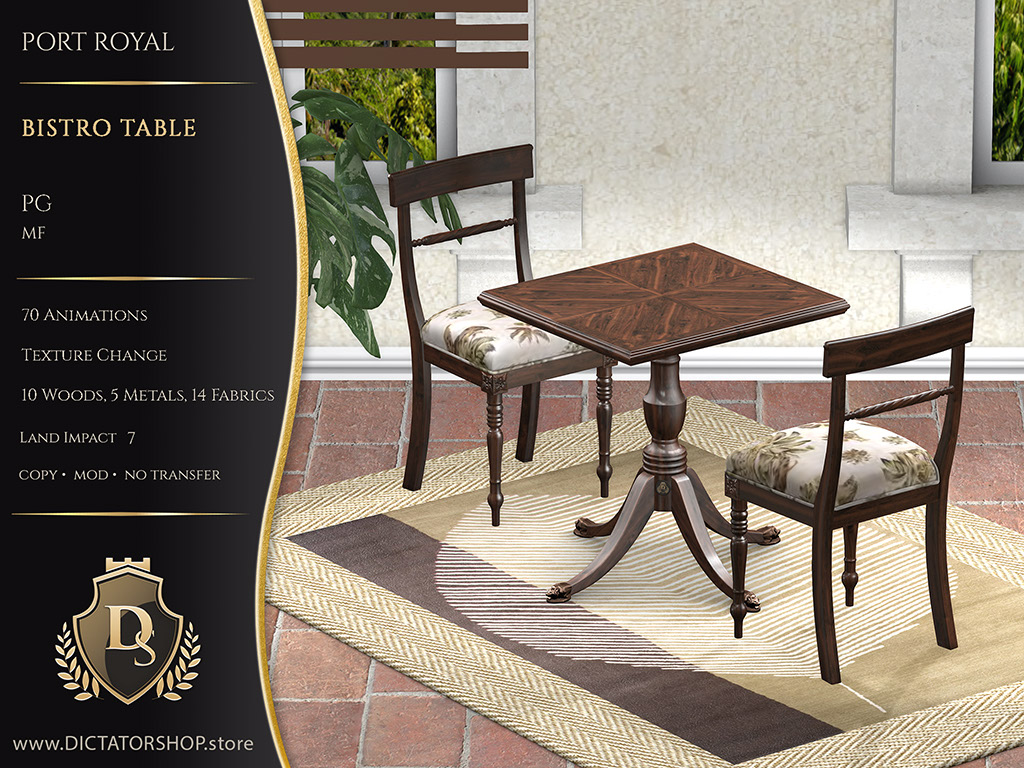
Bistro Table
The Port Royal Bistro Table is a richly animated Second Life dining table with 130+ AVsitter animations, auto-rezzing food and silverware props and a sweeping selection of wood, fabric and metal finishes in adult-rated and PG versions.
Wear the Dictatorshopper group tag and earn 10% back in store credit on every purchase.
Teleport to the mainstore (opens in a new tab)You land right between our two directory boards. Tap the Port Royal panel to teleport straight to the collection.
Bought something you already own? CasperVend refunds the duplicate automatically.
About
The Port Royal Bistro Tables come in two versions to suit your needs:
[Ds] PORT ROYAL Bistro Table Adult
[Ds] PORT ROYAL Bistro Table PG
[Ds] PORT ROYAL Bistro Table Adult
⁂ Over 130 quality animations inside – PG and Adult Vanilla.
⁂ Features mix and match texture change with 10 woods, 14 fabrics and 5 metals.
(click the logo button at the base of the table)
⁂ Auto-rezzing props for eating and drinking, including silverware and food.
⁂ Chairs move to accommodate the sitters’ animations for a more dynamic feeling.
⁂ Logical menu structure:
⁂ FemaleSits (controlled individually)
⁂ MaleSits (controlled individually)
⁂ Dine (PG)
⁂ Flirt (PG)
⁂ Cuddle (PG)
⁂ Adult
⁂ For Her
⁂ For Him
⁂ Facing
⁂ RearEntry
[Ds] PORT ROYAL Bistro Table PG
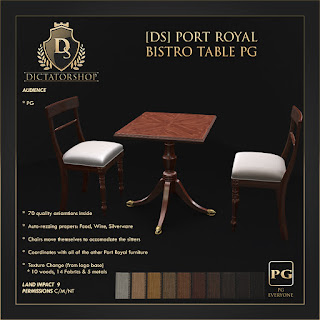
⁂ 70 quality animations inside.
⁂ Features mix and match texture change with 10 woods, 14 fabrics and 5 metals.
(click the logo button at the base of the table)e)
⁂ Auto-rezzing props for eating and drinking, including silverware and food.
⁂ Chairs move to accommodate the sitters’ animations for a more dynamic feeling.
⁂ Logical menu structure:
⁂ FemaleSits (controlled individually)
⁂ MaleSits (controlled individually)
⁂ Dine (PG)
⁂ Flirt (PG)
⁂ Cuddle (PG)
TEXTURE MENU
The texture change menu is located in the Dictatorshop logo button on the furniture. This prevents it from showing in the play menus and also allows you to lock it down without affecting the functionality of the furniture.
ANIMATION ADJUSTMENTS
All versions use AVsitter and I have enabled the internal helper so that the owner of the furniture can call up the adjustment poles and “dump” any changes out to save back into the avpos notecard so that your own adjustments are permanent.
More from Port Royal
View all Port Royal →
09/20